ROMSearch



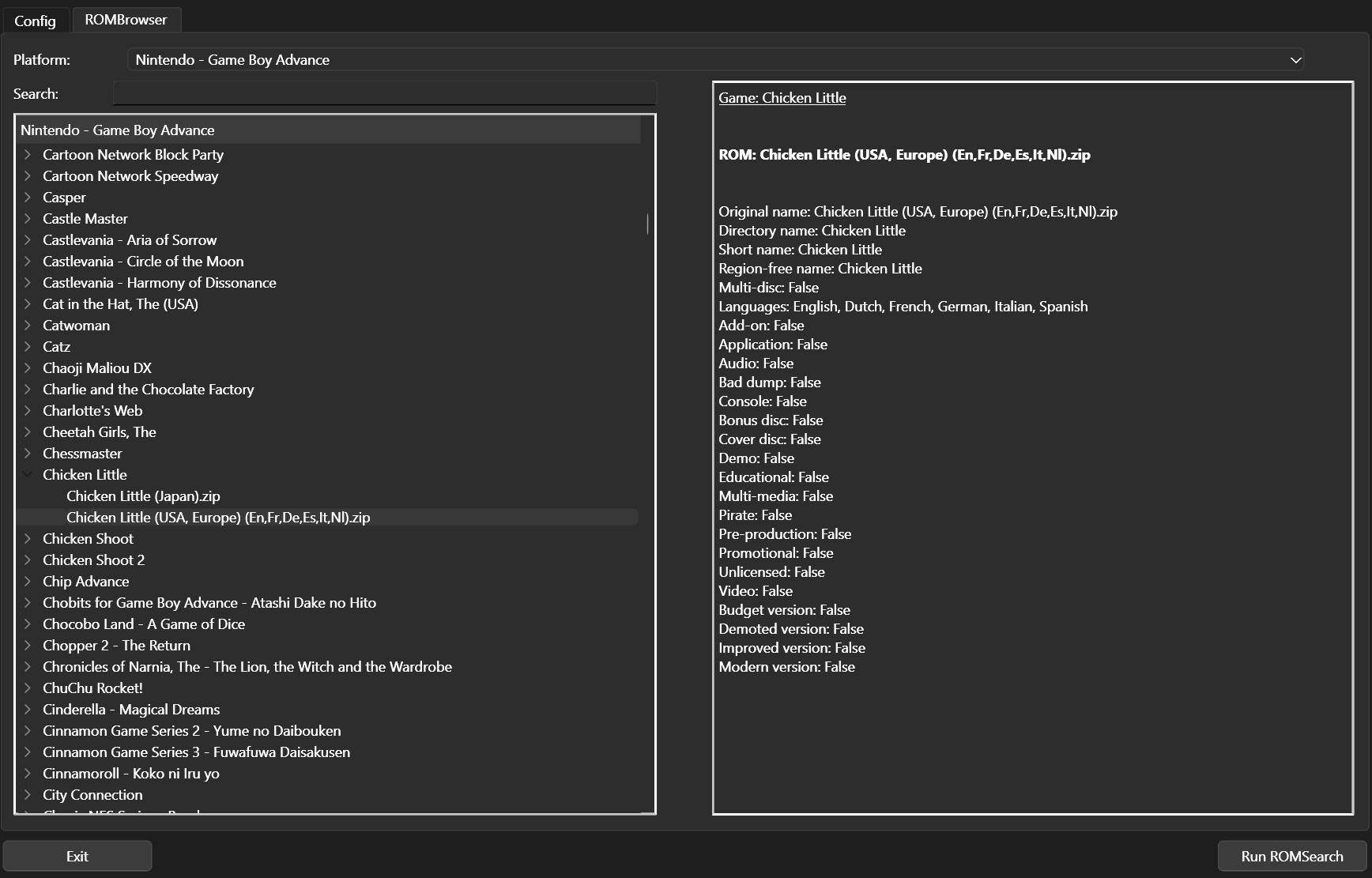
ROMSearch is designed as a simple-to-interface with tool that will allow you to pull ROM files from some remote (or local) location, figure out the best ROM, and move it cleanly to a folder that can imported into an emulator. ROMSearch is supposed to be a one-shot program to get you from files online to playing games (which is what we want, right?).
ROMSearch offers the ability to:
Sync from remote folder using rclone
Parse DAT files as well as filenames for ROM information
Provide filename mappings between different DAT files
Remove dupes from ROM lists using the excellent
retoolclonelistsMatch ROM hashes to RetroAchievements to get compatible ROMs
Patch ROM files so RetroAchievements can be enabled
Moving files to a structured location, including potentially additional files that may be needed
Grouping multi-disc games into a single .m3u playlist
File (re)compression to a single-file, supported format
Discord integration so users can see the results of runs in a simple, clean way
View ROMs grouped into game titles, via the ROMBrowser
To get started, see the installation and configuration pages. For the philosophy behind how ROMSearch chooses a ROM, see 1G1R. Romsearch has a UI option which we recommend for most users. For this, see the GUI pages.
ROMSearch offers two modes: the default is “filter, then download” which will use the .dat file to find the best ROMs and only download those. For data hoarders, we also offer a “download, then filter” option, which will download everything and then filter from the downloaded files. For more details, see the ROMSearch module docs.
Currently, ROMSearch is in early development, and so many features may be added over time. At the moment, ROMSearch has the capability for:
Nintendo (Handheld)
Game Boy
Game Boy Color
Game Boy Advance
Pokemon Mini
Virtual Boy
Nintendo DS
Nintendo (Home)
Nintendo Entertainment System
Super Nintendo Entertainment System
Nintendo 64
GameCube
Sega (Handheld)
Game Gear
Sega (Home)
Mega Drive/Genesis
Sony (Handheld)
PlayStation Portable
Sony (Home)
PlayStation
PlayStation 2
but be aware there may be quirks that will only become apparent over time. We encourage users to open issues as and where they find them. Known issues can be found at known issues.
ROMSearch is also built in such a way that other platforms/filters can be added in a simple way using config files rather than manually adding to the base code. For more details of how these work, see the various configs pages.
The ROMSearch icon has been created by Freepik - Flaticon.
Documentation